
Announcement
Arion 0.1.1: our first release
Arion 0.1.1 is available today for Apple silicon Macs and Windows x64. Dictation, polishing, translation, an offline Pinyin keyboard and clipboard history all run on your computer, open source under AGPL-3.0.
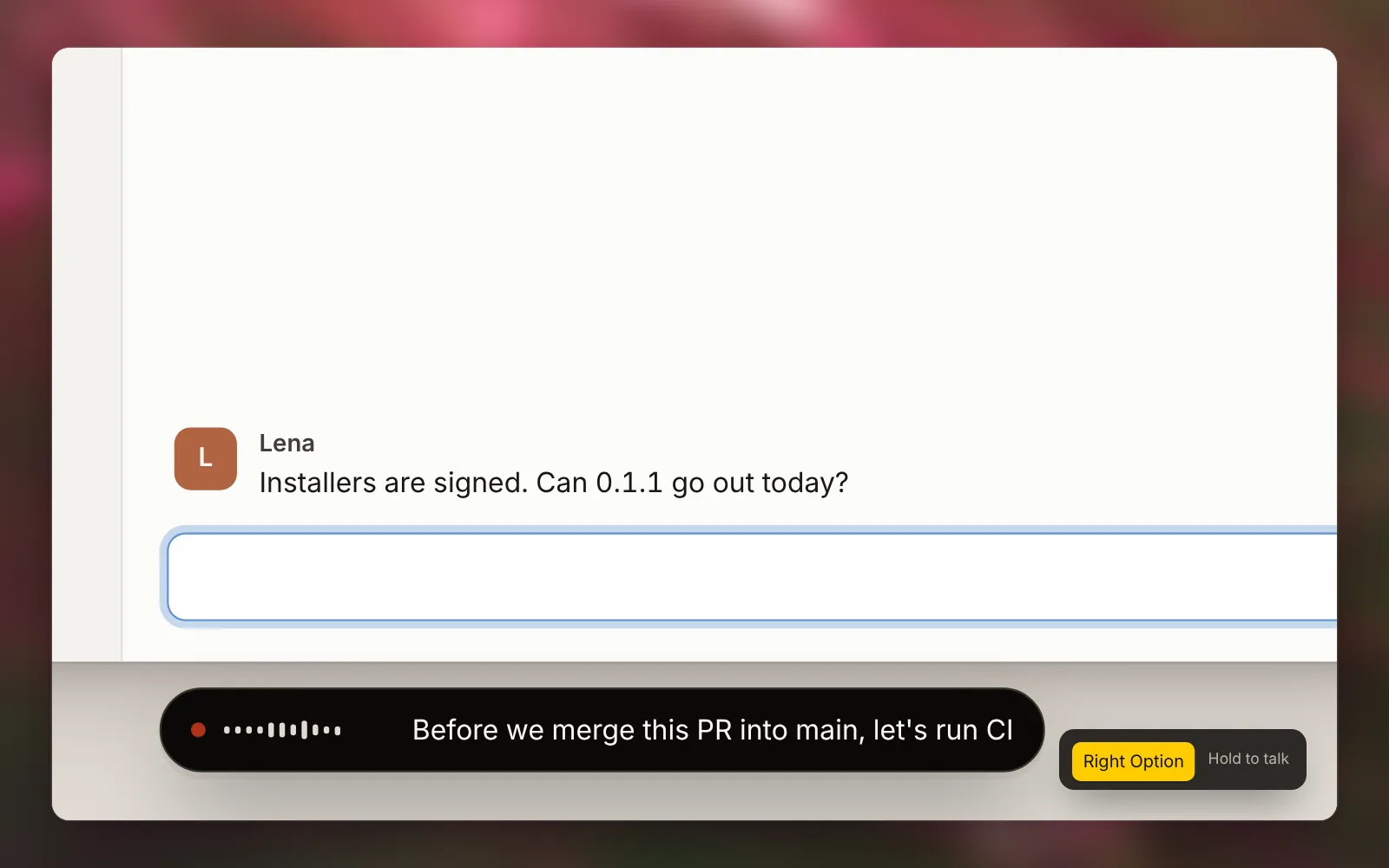
Arion 0.1.1 is out today, our first stable release. It runs on Apple silicon Macs (macOS 14 or later) and Windows x64, and is free and open source under AGPL-3.0.
Arion is a local-first voice and Pinyin input method. Hold a key and speak in Chinese, English, or both in the same sentence; your computer transcribes what you say and types the sentence at your cursor when you let go. The app also includes optional text polishing, voice translation, an offline full-Pinyin keyboard, and encrypted clipboard history.
Between the first alpha and 0.1.1 we shipped 21 preview builds, working with early users to tune shortcuts, the candidate bar, polishing rules, and updates in the editors they use every day. This is the first version we recommend for daily use.
Hold to talk, release to type
Hold Right Option on macOS or Right Alt on Windows anywhere you can type, speak, and release. A quick tap switches to hands-free mode and keeps listening until you press again, or until you cancel with Esc. You can rebind the shortcut in Settings to any single key or key combination, and Arion warns you right away if it conflicts with your translation or clipboard shortcut.
While you speak, the live draft stays in the pill at the bottom of the screen. Arion types the final text at the cursor only when you release the key. If you switch windows, move focus, or cancel before it finishes, Arion drops the draft so it never lands in the wrong window. When no editable field is focused, the result goes to the clipboard for you to paste.
Speech recognition runs on Qwen3-ASR 1.7B: 8-bit through MLX on Apple silicon, and Q8_0 through speech.cpp on Windows (CPU or Vulkan). Before your first dictation, Arion downloads the model once (about 2.5 GB on a Mac, 2.2 GB on Windows) and checks each file against a pinned SHA-256 digest. From then on, dictation works offline. You can mix languages mid-sentence, as in "把这个 PR merge 到 main 之前,先跑一下 CI", without switching modes first.
If you dictate quietly at a shared desk, Settings has a software input gain from −6 dB to +12 dB. In password fields, Arion reads no context and learns nothing.
Polish after you speak
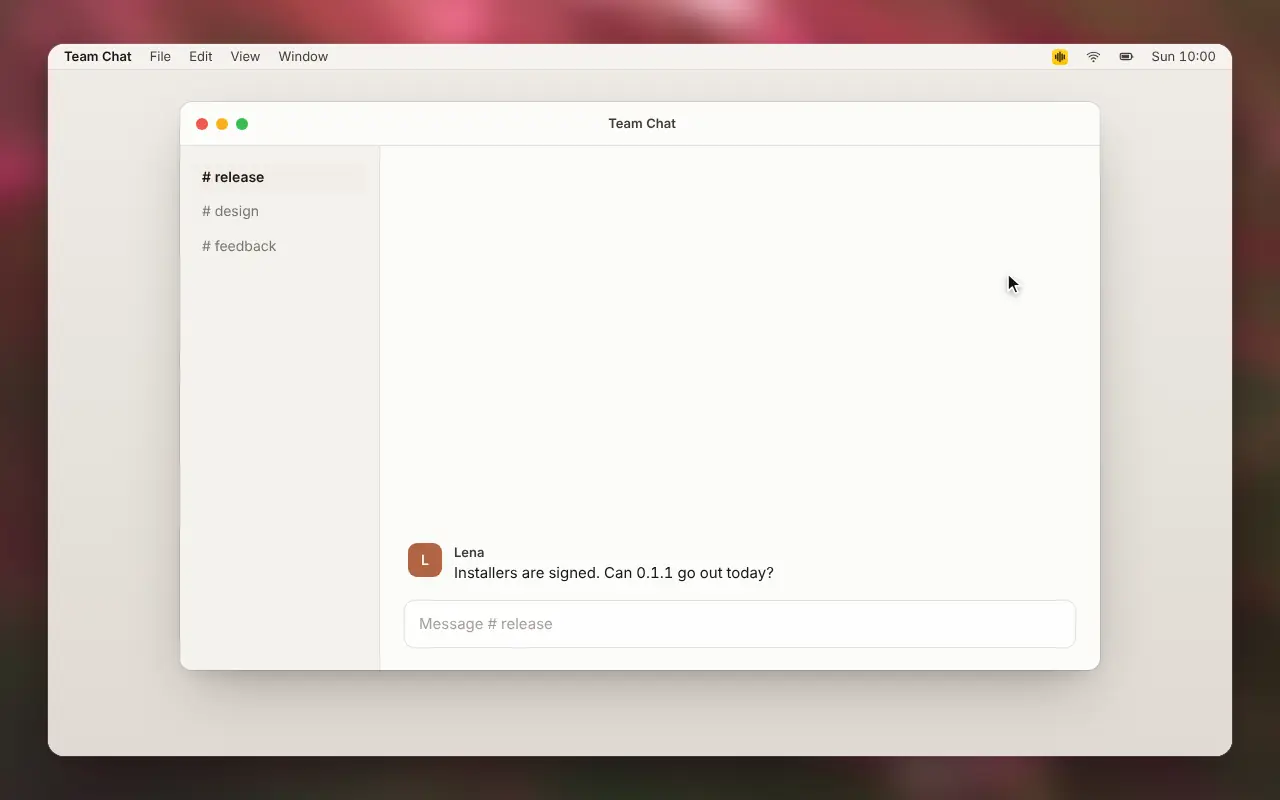
Polishing is off by default. When you turn it on, a local language model tidies each dictation after you release the key: it drops fillers like "um" and "so", keeps the final choice when you correct yourself mid-sentence ("Wednesday, no wait, Thursday" becomes "Thursday"), and formats the output for the app you're in.
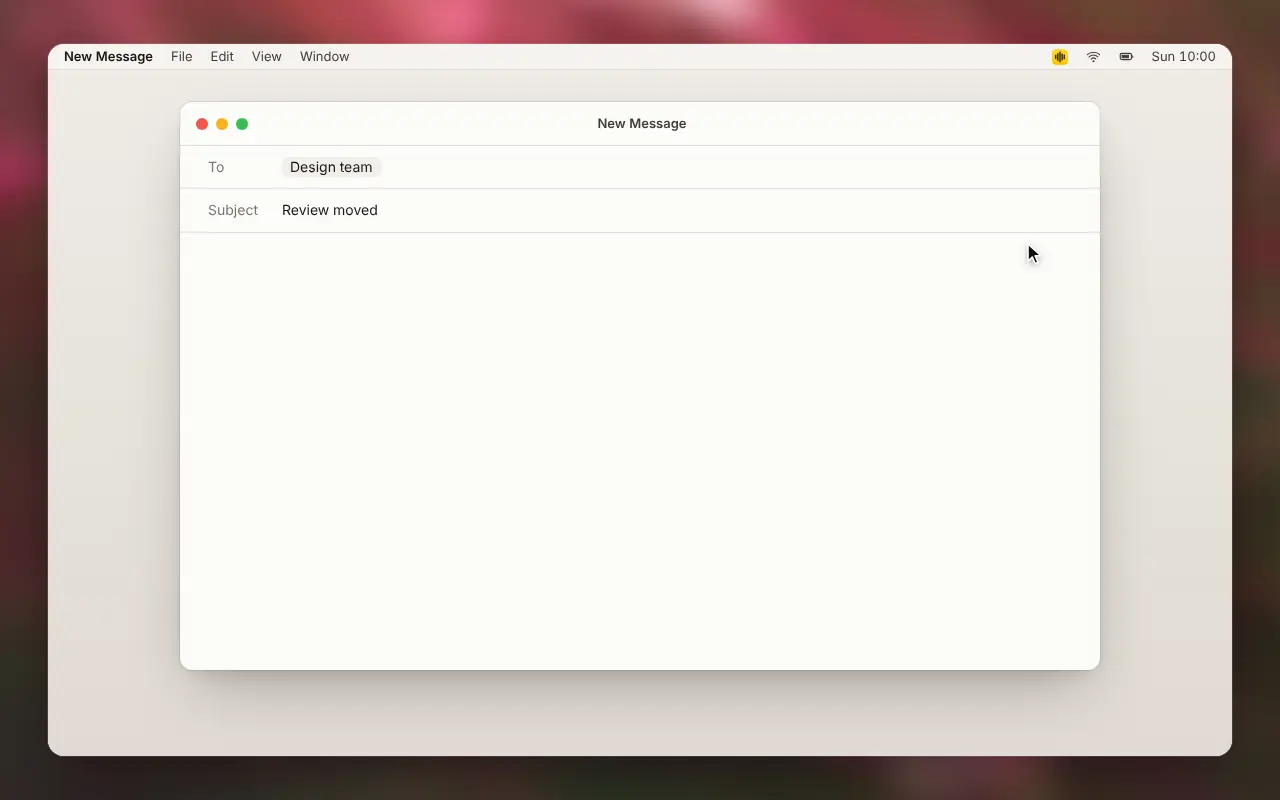
The local polishing model is Qwen3.5-2B (Q4_K_M GGUF, about 1.3 GB), running through llama.cpp on macOS and Windows. With Match the app on, Arion picks a scene for each dictation from the focused field type, the website host, and the app identifier: chat, email, work message, AI prompt, search, or list. The scene adjusts layout without changing your wording, and Arion selects it from that metadata alone without reading the text inside the field.1
Punctuation has four modes: smart, full, omitting the final period, and, in the Chinese interface, spaces in place of punctuation. You can also let polishing read text around your cursor and in the current window to spell homophone names and terms accurately. Arion reads that context on the device through the OS accessibility API, without taking screenshots.2
Earlier builds also showed a live polished preview while you spoke. In our measurements, the final pass after key release always replaced those intermediate previews and produced the same inserted text, so we removed the live pass and freed that compute for speech recognition.3
If you prefer a cloud model, you can sign in with ChatGPT or add an API key for OpenAI, Anthropic, Google Gemini, DeepSeek, or OpenRouter. Once you select the cloud engine, connect a provider, and pick a model, Arion sends only the recognized text, the scene, and matched vocabulary entries. Audio, cursor and window context, and dictation history remain on your device. Each provider's key is stored separately in the OS credential store, so switching providers keeps your other keys intact.
Translate with a second key
Voice translation has its own shortcut: Right Command on macOS, Right Ctrl on Windows. Hold it and speak in your language; Arion transcribes what you said, resolves homophones and proper nouns, and types the sentence in your target language.
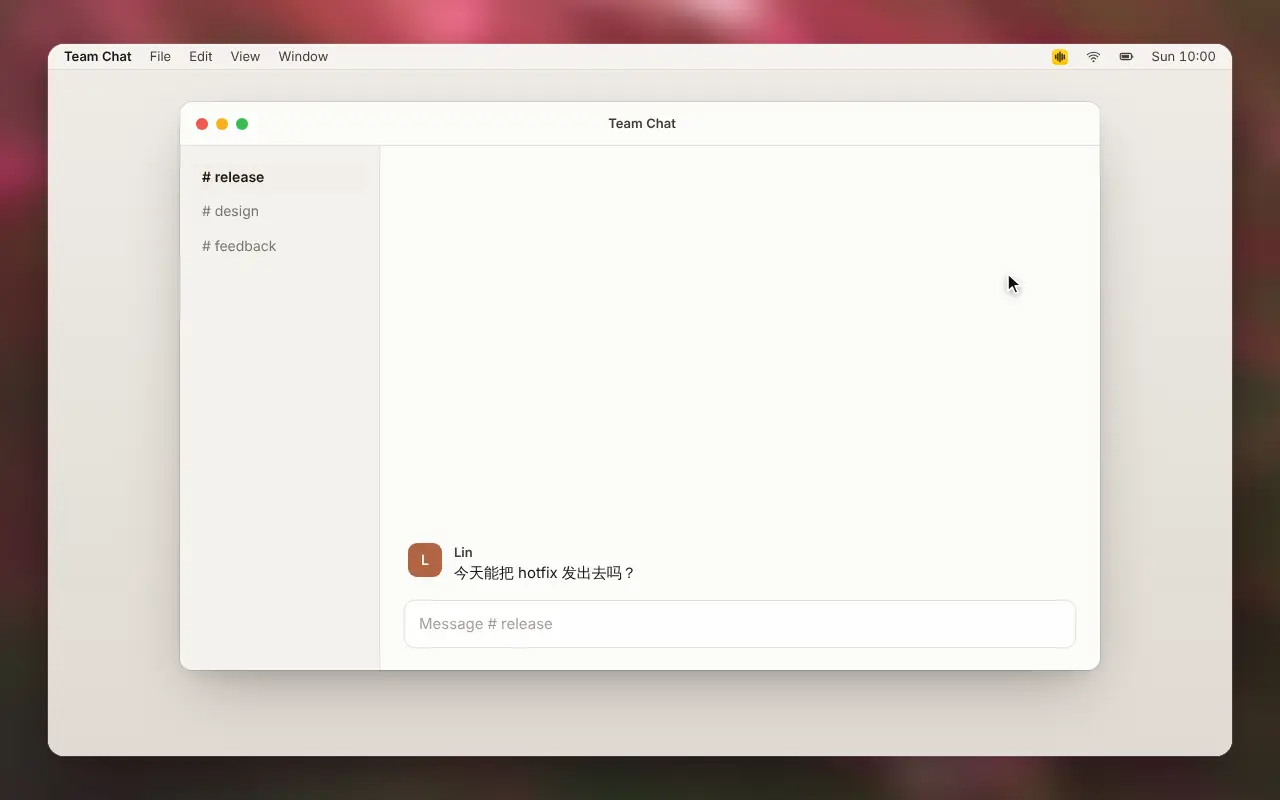
You can translate into 12 target languages: English, 简体中文, 繁體中文, 日本語, 한국어, Español, Français, Deutsch, Português, Italiano, Русский, and العربية. Translation uses the same local or cloud model as polishing, and still runs when polishing is turned off. If the model is missing, times out, or returns output that fails validation, the pill shows a notice and leaves your conversation untouched, keeping the source text in session memory only. Edits you make to a translated sentence are ignored by vocabulary learning so target-language spellings do not mix into your vocabulary.
Gets better as you use it
Vocabulary entries are grouped by the right spelling. Each entry lists the misrecognitions that tend to show up for that word, and if the Arion input method is installed you can edit its Pinyin reading directly. Entries with only the target spelling act as hotwords for local speech recognition, while eligible learned corrections feed into both speech recognition and the Pinyin keyboard's dictionary. Newly added entries appear at the top.
In native macOS editors, when you fix a word Arion just typed, Arion remembers the edit and uses your spelling next time.
Vocabulary, learned corrections, and clipboard history are encrypted with AES-256-GCM before being written to disk. Encryption keys are generated on the device and stored in the macOS Keychain or protected with DPAPI on Windows. If a key is missing or fails its integrity check, Arion stops with an error instead of writing plaintext.4
A Pinyin keyboard in the same input method
Arion also works as an offline full-Pinyin keyboard, built on IMK on macOS and TSF on Windows. Both platforms use the same Rime schema, candidate ranking, and learning logic. Tap Shift to switch between Chinese and English; the badge next to the cursor flips to show the active mode. On macOS, you can also toggle full-width characters and English punctuation from the input menu, or press Ctrl . to switch punctuation.
Candidate ranking uses what you just typed. Its base layer records adjacent words you committed in the same app within the last 120 seconds, and a single confirmation moves a candidate up by at most two places so one slip cannot claim the first slot. Tested across 50 homophone pairs from their second appearance onward, frequency learning alone placed the intended word first 32.2% of the time; adding adjacent-word pairings brought that to 88.7%.5
You can also turn on two-pass local neural ranking in Settings. First, a ~4.5 MB model reranks candidates on every input change within a 100 ms budget. After a 150 ms pause, the local polishing model runs a second pass using text around the cursor and in the active window, within a 900 ms budget. The candidate bar always opens immediately in its default order, and both passes only reorder existing candidates without inventing new words. On macOS, context comes through the accessibility API and skips password fields and denylisted apps; on Windows, ranking currently uses only recently committed text.6
In Chinese mode, the keyboard completes English words and prefixes and suggests Emoji for full Pinyin words. You can choose from eight highlight colors for the selected candidate or set a custom color, and on macOS the input menu includes a Voice input item to start dictation.
Clipboard history
Clipboard history is off by default. When enabled, it records the text, links, images, and file references you copy. Press ⌘ ⇧ V (Ctrl Shift V on Windows) to open a compact picker at your cursor, where you can search and pin items or hover over an image or long passage to preview it. Press Return to paste the selected item into the field you came from, or copy it to the clipboard if no field is focused.
For copied files, Arion saves only the file reference, skipping file contents and folders. History holds up to 200 items and 100 MB by default, evicting the oldest unpinned items when full rather than expiring entries by age. The history is encrypted with its own key, and temporary clipboard writes that Arion makes while inserting a dictation are excluded.7
Updates
Updates are signed with Ed25519 and verified on your computer before installation. Arion follows the stable channel by default; prereleases are available behind Allow beta updates in Settings › About. Automatic checking and automatic downloading have separate toggles, with automatic downloading off by default. A downloaded update waits for you to click Restart so it never interrupts active typing or dictation. Update prompts appear only in an idle moment after a dictation finishes, where you can postpone or dismiss them, and system notifications follow your OS settings.
Where your data stays
Arion keeps audio in memory only while you dictate and frees it as soon as you finish, without writing temporary files to disk. Diagnostic logs exclude recognition drafts and polished text.
There is no cloud speech recognition. Once the models are downloaded, dictation and Pinyin typing work offline. Arion uses the network only for model downloads, update checks, optional cloud polishing, and product notifications when you sign in. If you sign in and opt in, Arion also reports daily usage totals (date, dictation count, microphone duration, and word count) with no audio, text, scene, or app details. The full breakdown is in Where your dictation goes.
Get started
Choose your platform on the download page. The Mac build requires macOS 14 or later on Apple silicon, and the Windows build is an x64 installer. On first launch, onboarding requests the required system permissions, walks through setting your dictation key and downloading the recognition model, and lets you enable polishing and voice translation.
If you are already on an alpha build, check Settings › About for updates; if 0.1.1 does not appear, download and install it once manually.
To build from source, clone the repository and run:
make install
make build desktop
What isn't there yet
- Multi-device sync hasn't shipped. Its encryption boundary is defined in the spec (each vocabulary record is encrypted on your device before upload, so the relay sees only ciphertext), but desktop device enrollment isn't finished.
- Learning from your edits works only in native macOS editors. On Windows, you can manage vocabulary entries by hand.
- Context ranking on the Windows keyboard uses only recently committed text and doesn't read the cursor or window yet.
- The 10 translation targets outside English and Simplified Chinese have no separate benchmark sets yet and share the English validation rules. Cloud polishing hasn't been benchmarked for quality or latency either.
- Intel Macs are not supported (ADR 021).
If you run into a bug, open an issue on GitHub Issues, or join us on Discord or Feishu. For how we test and decide what ships, see Why we build our voice input method like an experiment.
Thanks to everyone who tested the alpha builds, reported bugs, and recorded reproductions along the way.
Footnotes
-
Scene selection in Spec 009: Contextual rewrite (
SCN-01,SCN-02). ↩ -
Spec 005: Privacy and trust boundaries and ADR 005: Local encryption. ↩
-
Method and results are in the section "Measure quality and latency in the same run" of Why we build our voice input method like an experiment. ↩
-
ADR 036: Two-stage local keyboard ranking and ADR 037. The 100 ms and 900 ms figures are configured budgets; the actual latencies have not been measured. ↩