
Announcement
Arion 0.1.2 to 0.1.4: what changed
Three updates in the week after our first release. Recognition stops echoing your vocabulary into quiet recordings, cloud polishing connects to any OpenAI- or Anthropic-compatible endpoint, and a coding agent can now help you report a problem.
In the week since Arion 0.1.1, we shipped three updates for Apple silicon Macs and Windows x64. 0.1.2 fixes a recognition bug, 0.1.3 opens cloud polishing to compatible endpoints and makes the next dictation start lighter on macOS, and 0.1.4 adds a way to hand a problem to the coding agent you already use.
If you are on 0.1.1, open Settings › About and click Check for Updates.
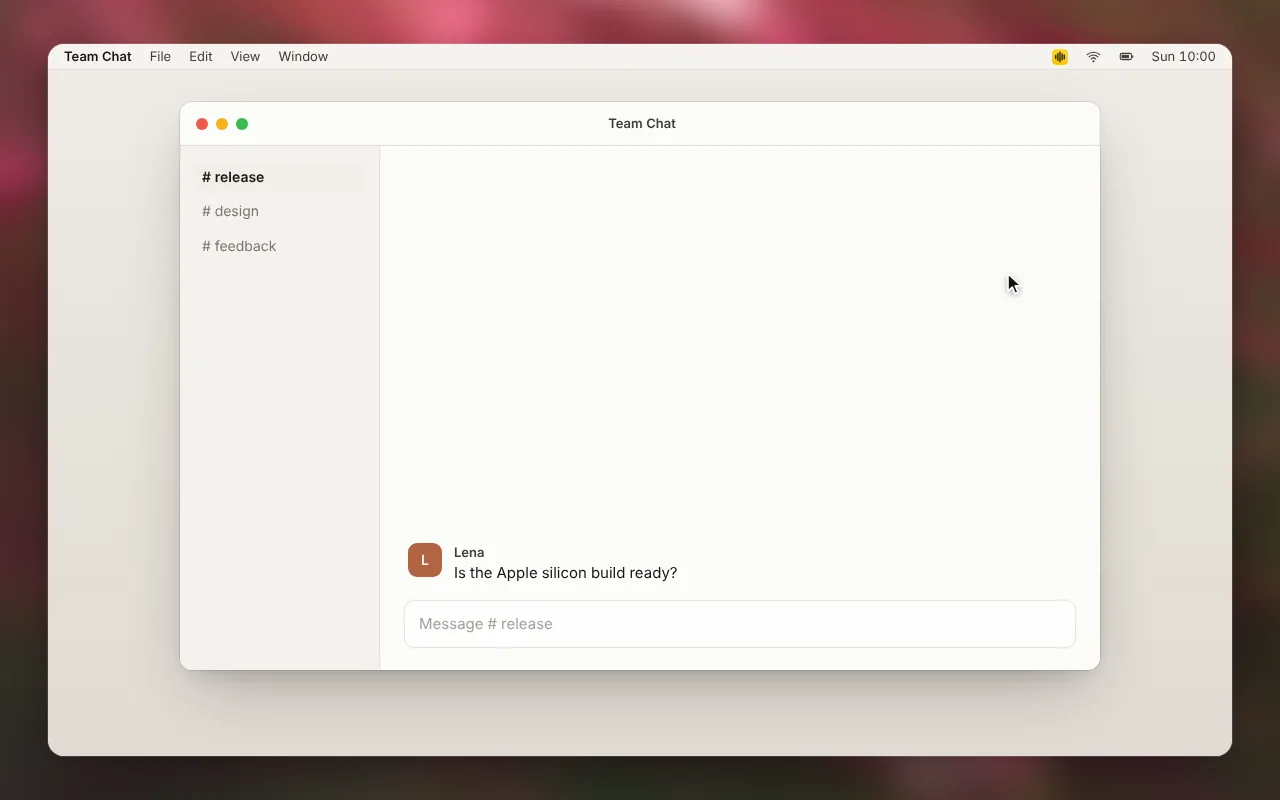
Your vocabulary no longer shows up as a draft (0.1.2)
Vocabulary entries double as hotwords: Arion passes them to the speech model with each recording so names and terms come out spelled your way. In 0.1.1, the model sometimes read that list back. If you paused before speaking, trailed off at the end of a sentence, or held the key without saying anything, the draft could fill with your own entries, such as "Arion MLX Qwen", instead of staying empty.
0.1.2 fixes this in two places:
- Quiet audio is not sent to the model. Arion checks each audio window in 20 ms steps against the same −42 dBFS floor it uses to end a segment. A window with nothing at or above that level returns empty text without a recognition request, so there is nothing for the model to fill in.
- A copied list is decoded again. If a transcript starts or ends with two or more of your hotwords in their list order, Arion decodes the same audio once more without hotwords and uses that result. A single hotword you actually said stays, and so do terms that appear in another order or inside a sentence. Cancelling still stops the request.1
Cloud polishing with compatible endpoints (0.1.3)
The provider list now has OpenAI compatible and Anthropic compatible entries. Enter a Base URL and an API key, and Arion loads that endpoint's model list for you to choose from. This covers self-hosted gateways, regional mirrors, and other services that speak either API. Thanks to @harry-xm for asking for it.
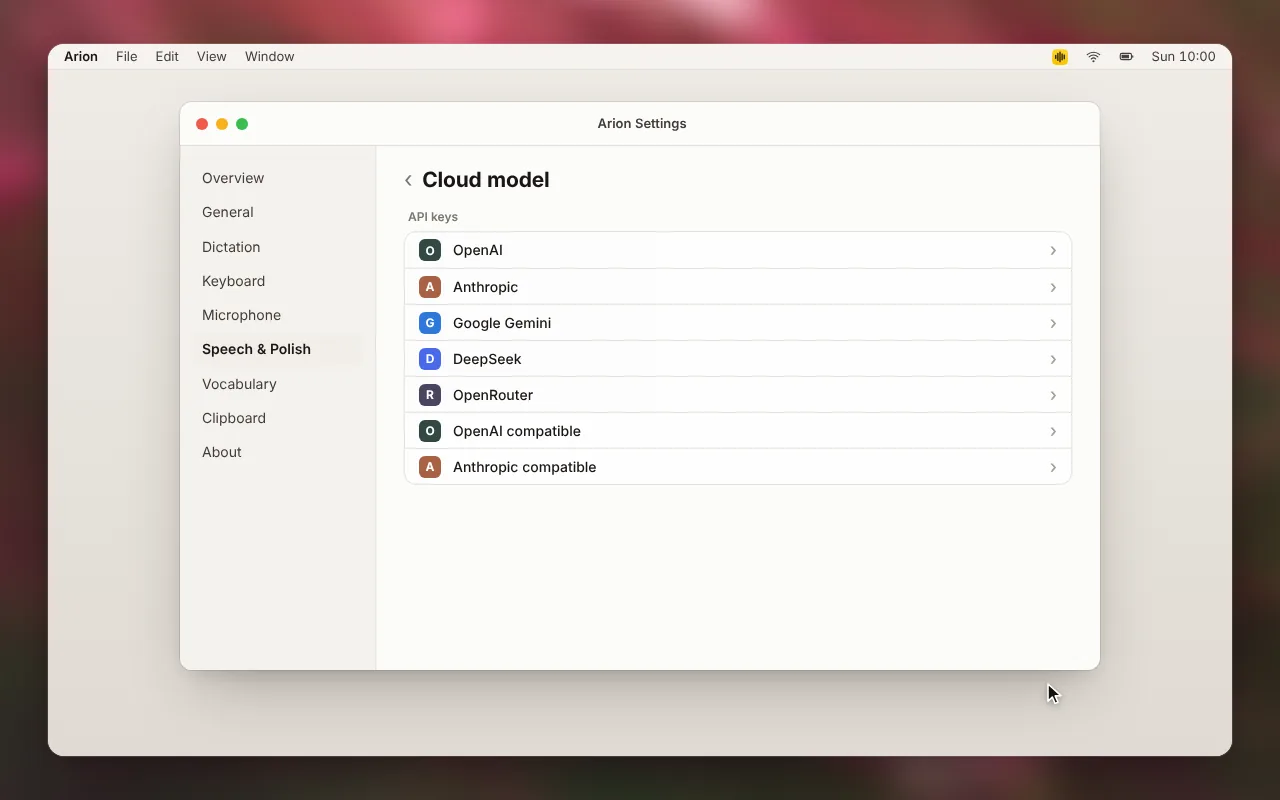
The Base URL is saved with the key in the OS credential store, one item per provider, so switching providers keeps each endpoint and key. The official OpenAI and Anthropic entries are unchanged. The privacy boundary is the same as for every cloud provider: Arion sends only the recognized text, the scene, and matched vocabulary entries, while audio, cursor and window context, and history stay on your device.2
An endpoint must publish a model list. A proxy that does not still cannot connect, because Arion verifies a key by listing models with it.
DeepSeek keys connect again (0.1.3)
A valid DeepSeek key could fail with "The provider refused this key or sign-in." @huwan traced it: the model-list request was sent with a body, and DeepSeek's CDN answered with a bare HTTP 403, which Arion treated as a rejected key.
Model-list requests now go out as a plain GET. Only an explicit authentication failure or HTTP 401 counts as a rejected key; a bare 403, a rate limit, a server error, or an unreadable response now shows "Couldn't load models." A failed check never replaces a key you already saved, and a failed refresh keeps the models you had. The local log records only the failure code and HTTP status, never the key, URL, or response.
Lighter microphone start on macOS (0.1.3)
Each dictation used to create the macOS capture device from scratch and dispose of it afterwards. Arion now keeps one stopped device and reuses it for the next recording, skipping audio context and device setup on a warm start.
Capture does not run between recordings. Before reuse, Arion clears buffered input and resampler state, detaches the previous session, and checks microphone permission and the selected or default input device again. Sleep, screen lock, revoked permission, and quit release the device, and a changed input selection or a device error prevents a stale reuse. Windows still creates a device for each recording.3
Report a problem with an agent (0.1.4)
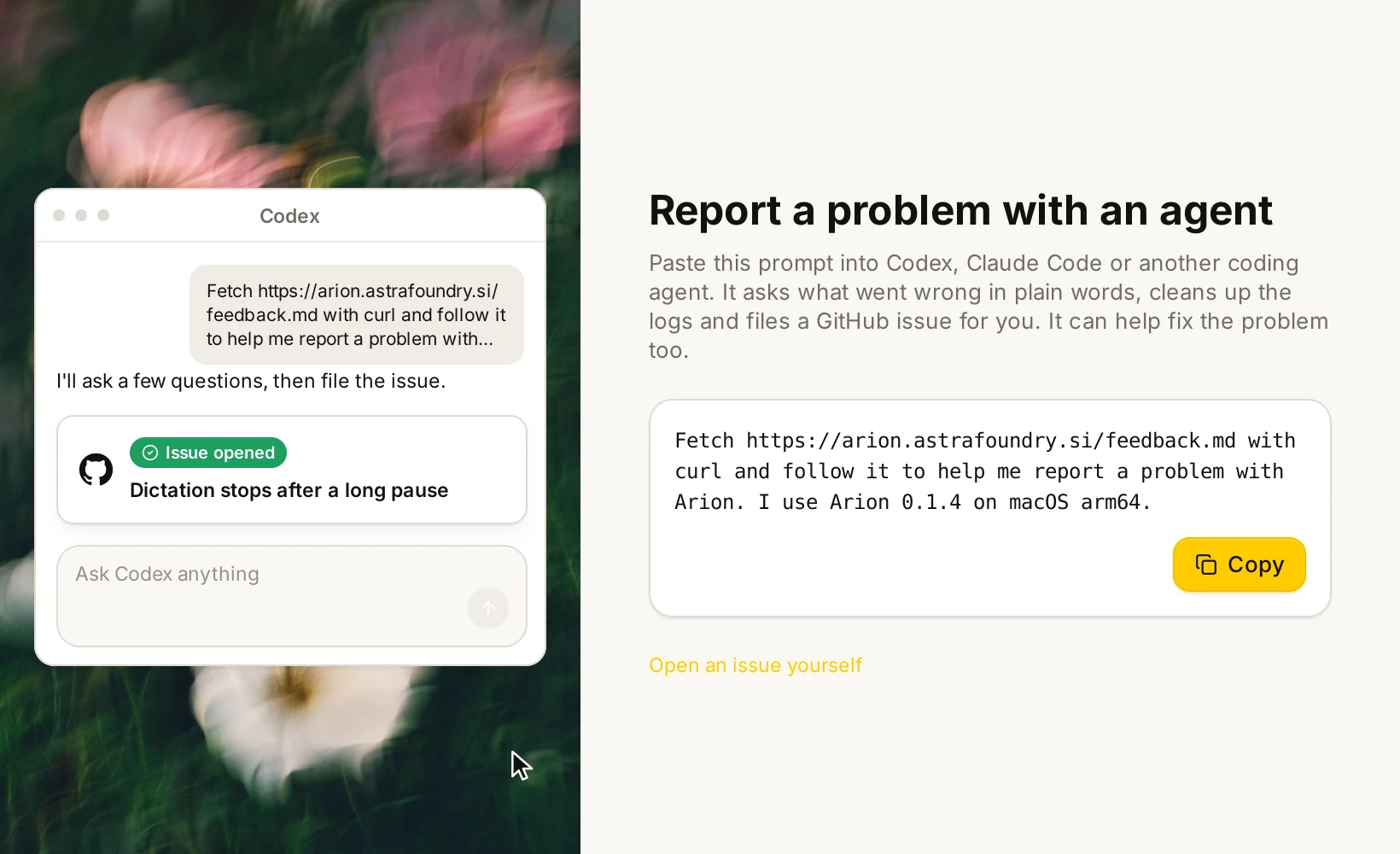
Many of you already work with a coding agent such as Codex or Claude Code. 0.1.4 lets it help when something in Arion goes wrong. Open Report a problem from the ? button in the menu bar panel, Ask an agent in Settings › About, or Report a problem… in the macOS or Windows input menu.
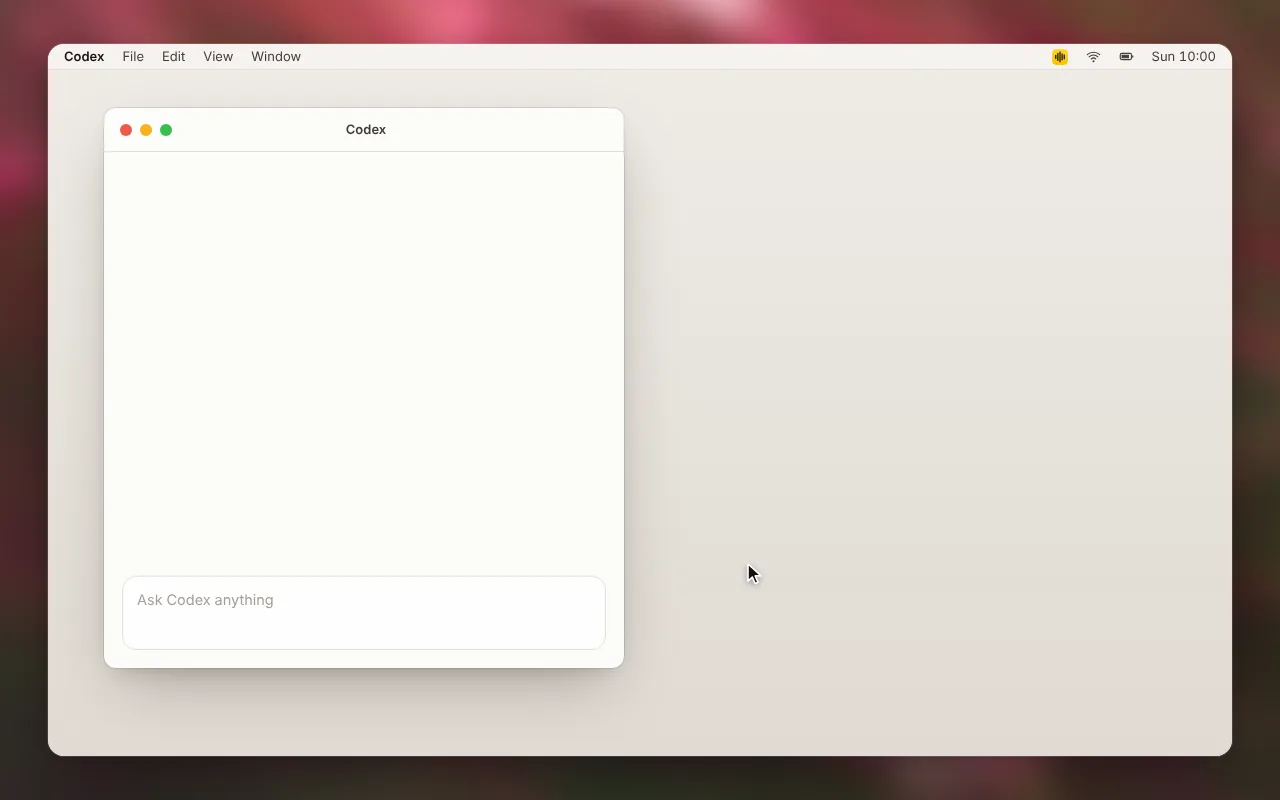
The window gives you a one-line prompt to copy. It names Arion's feedback skill on our website, your version, and your platform, and contains no paths, account details, or logs. Paste it into your agent, and the agent:
- asks what went wrong in your language, one or two questions at a time;
- answers plain questions from the repository without filing anything;
- checks whether a newer release already fixes the problem and searches existing issues;
- reads only the relevant part of your local logs, redacts anything personal, and shows you the excerpt before attaching it;
- files the issue after you approve the text, and offers to open a pull request with a fix.
Arion itself sends nothing; the agent works only with what you approve. If you prefer to write the issue yourself, Open an issue yourself goes straight to the form.4
What isn't there yet
- The microphone reuse has not been measured on real hardware, so we cannot yet say how many milliseconds it saves. Cold starts and device changes still need native latency measurements.
- Compatible endpoints that publish no model list cannot connect, and cloud polishing has still not been accepted against real services or benchmarked for quality and latency.
- Everything listed in 0.1.1's open items still applies: no multi-device sync, edit learning only in native macOS editors, and no Intel Mac support.
The full notes for each version are in the desktop changelog. If something breaks, try the new Report a problem window, open a GitHub issue, or find us on Discord or Feishu.
Contributors
Footnotes
-
Spec 002: Speech pipeline (
SPH-A12,SPH-A13) and ADR 020: Native Qwen3-ASR. ↩ -
Cloud polishing and ADR 022. ↩
-
Spec 001: Desktop input (
DSK-04). ↩ -
Pull request #108: agent-assisted problem reports; the procedure the agent follows is in the repository's agent feedback documentation under
docs/project. ↩